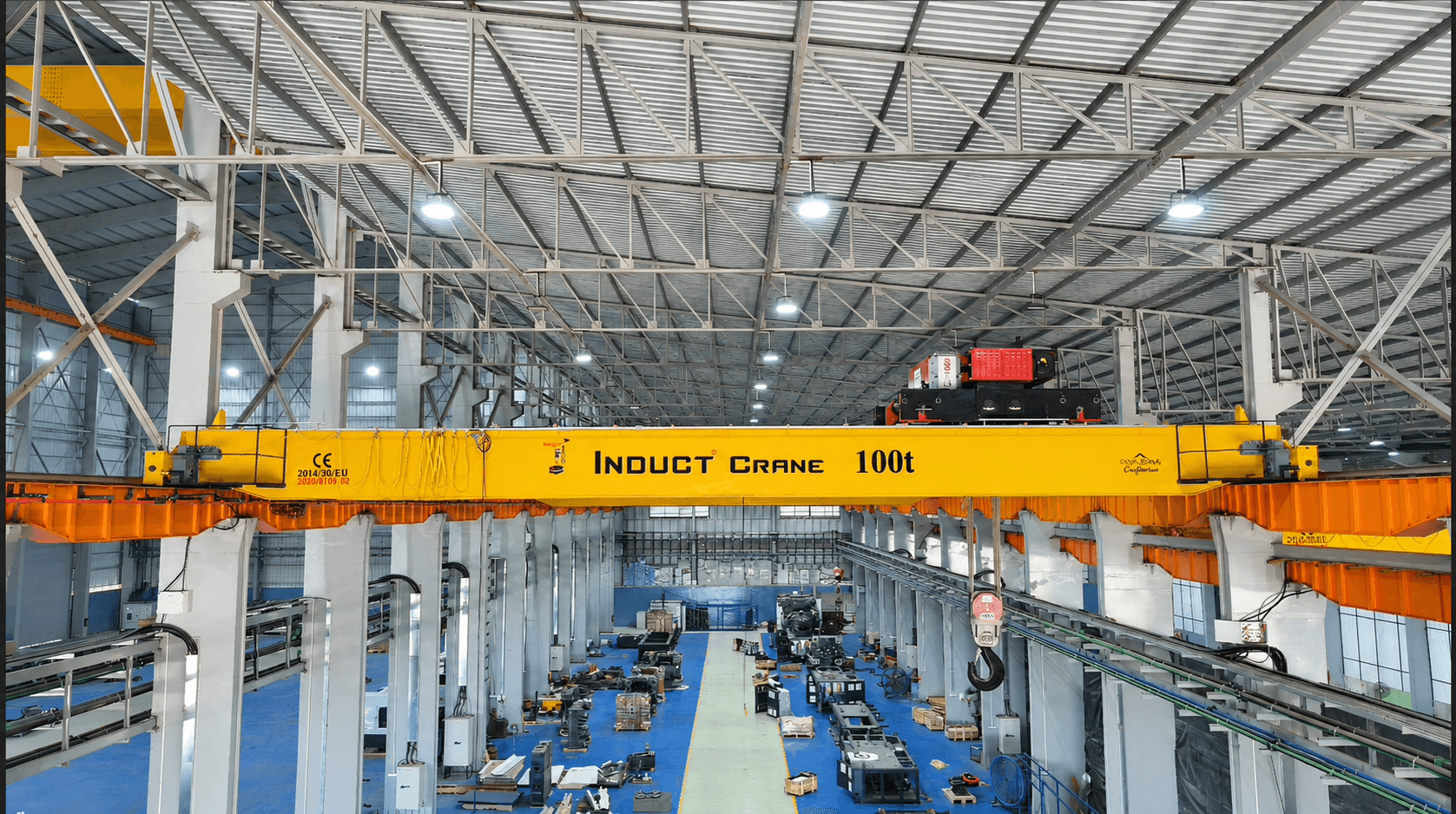
Induct Crane's Live ERP & Customer Portal eliminates industrial project opacity by providing buyers with 24/7 real-time milestone tracking across 8 fabrication stages, digital CAD drawing approvals, live GPS transit telemetry, automated AMC schedule alerts, and 1-click breakdown service technician dispatch.
Key Takeaways for Engineers & Procurement Leads
- Traditional crane procurement suffers average delivery delays of 4 to 8 weeks due to unmonitored vendor sub-contracting.
- Induct Crane ERP provides 100% digital traceability from raw steel plate intake (IS 2062 E250/E350) to final 125% load testing.
- Live GPS telemetry displays real-time trailer location, transporter LR details, driver contact, and estimated site arrival time.
- The Customer Portal stores all digital documentation (GAD drawings, motor test reports, warranty certificates, and AMC logs) in one secure vault.
Industrial crane procurement has historically been plagued by a lack of transparency. Procurement managers at steel plants, manufacturing hubs, and EPC conglomerates often face unkept delivery dates, missing quality test reports, and difficulty coordinating field service during breakdowns.
The Opaque Procurement Problem in Heavy Engineering
When buying heavy machinery like a 50-ton double girder EOT crane or a 30-ton goliath crane, traditional suppliers rely on manual email updates and phone calls. Common challenges include:
- Unannounced Fabrication Delays: Plates sitting uncut for weeks without customer knowledge.
- Lost CAD Drawings & Revisions: Miscommunication over span dimensions, wheel centers, and rail sizes.
- Opaque Shipment Transit: No visibility into heavy trailer location once the crane leaves the factory gate.
- Fragmented Service History: Paper maintenance logs getting lost when breakdown service is urgently needed.
How Induct Crane Cloud ERP Solves Industrial Project Execution
At Induct Crane System, we engineered a digital-first crane manufacturing infrastructure. Every order placed with us is automatically bound to our centralized MongoDB-backed Cloud ERP and Client Portal.
1. Milestone-by-Milestone Fabrication Tracker
Customers log into their secure portal dashboard to track exact completion percentages across key production stages:
- Raw Material Intake & Mill Test Verification (IS 2062 Grade Steel)
- CNC Plasma Plate Cutting & Web Box Assembly
- Submerged Arc Welding (SAW) & Ultrasonic NDT Inspection
- End Carriage Wheel Machining & Gearbox Fitting
- Surface Preparation, Epoxy Primer & Industrial Polyurethane Coating
- Electrical Control Panel Wiring & VFD Parameterization
- Factory Acceptance Test (FAT) & 125% Dynamic Deflection Testing
- Dispatch Preparation & Heavy Trailer Loading
2. Live GPS Transit Telemetry Card
Once your crane is loaded onto heavy hydraulic trailers, the Induct Crane ERP streams live shipment telemetry directly to your workspace:
3. 1-Click Field Service & Breakdown Ticket Desk
When emergency breakdown support or routine preventive maintenance is needed, customers don't have to chase call centers. Simply open your Customer Portal or visit http://inductcrane.in/service-request to raise a ticket. The ERP instantly notifies our nearest regional service center (Rajkot Head Office or Kanpur Regional Office) and dispatches a certified crane engineer.
Experience 100% Opaque-Free Procurement
Log into the Induct Crane Customer Portal right now to experience real-time project management, inspect active manufacturing telemetry, or dispatch a field engineer with 1 click.
Questions Answered in This Guide
Q1.How do client teams register for the Induct Crane Customer Portal?
New customers can register in 30 seconds at http://inductcrane.in/login by providing their work email, company name, and contact details. Existing client accounts like Tata Steel and Jindal Power come pre-configured with QuickLogin access.
Q2.Can multiple project managers access the same crane tracking workspace?
Yes. Induct Crane ERP supports Role-Based Access Control (RBAC), allowing client procurement leads, site engineers, and safety officers to view drawings, track shipments, and download inspection reports under one unified company portal.
Q3.What documents are stored in the digital ERP vault?
The digital vault stores General Arrangement Drawings (GAD), electrical wiring schematics, motor & gearbox test certificates, wire rope test reports, 125% load test certificates, tax invoices, and warranty documents.